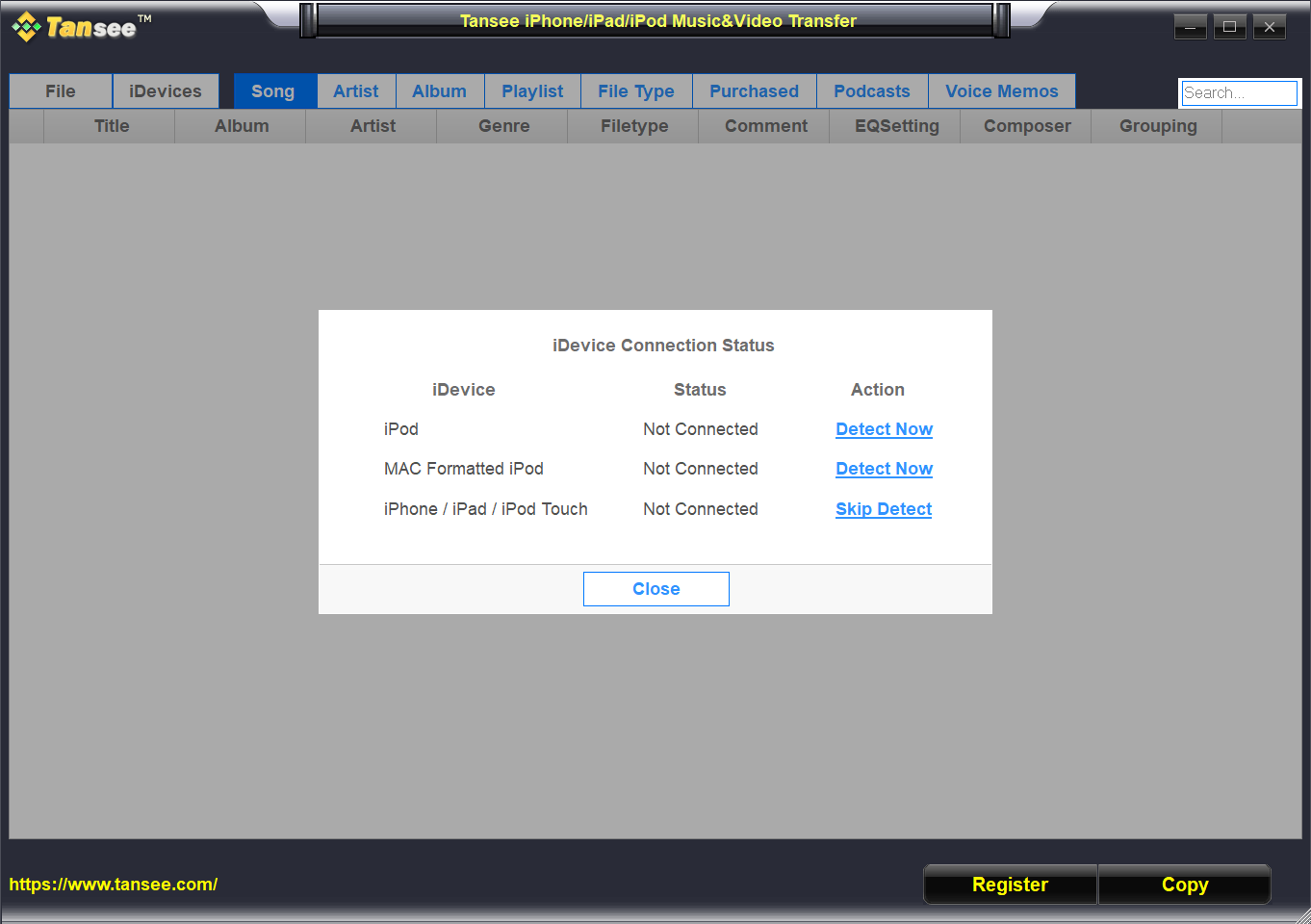
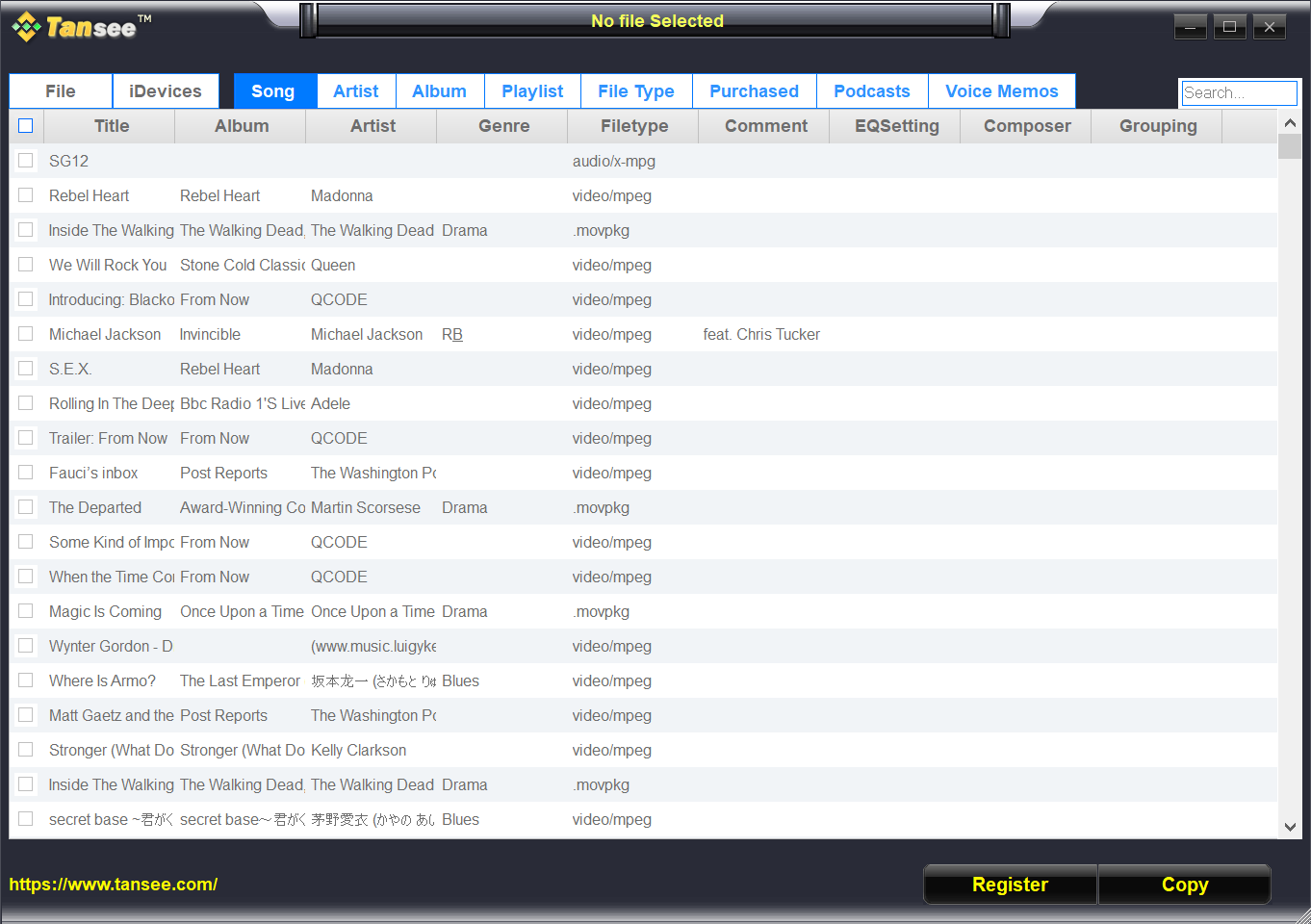
Why Can't I Transfer Song from iPod to Computer?
1.Why Can't I Transfer Song in My iPod?
Answer: Uninstall the program, download and reinstall the
latest program from
here. Follow the step by step guide at
How to Transfer Song from iPod to Computer?.
2.Size of Copy Songs Are All 0 KB, Why?
Answer: Most important of all, the flashing icon "Do Not
Disconnect " on your iPod goes away means your iPod had ejected
from computer, that might be the reason you can't copy songs
correctly. For keeping iPod connection:
For iTunes old version :
Plug your iPod, run iTunes, go Edit->Preference
select iPod-Music check "Enable Disk Use". Eject
and re-plug your iPod, note the "Do Not Disconnect " icon
did not disappear, then open Tansee iPod Transfer to copy your
songs out.
For iTunes 7 : Plug your iPod, run iTunes, in "devices" - click your iPod,
in "summary-options", select "enable disk use".
3.Why Can't I Copy Song from iPod to iTunes Music Library?
Answer: Tansee iPod Transfer can directly transfer songs
or videos to computer. If you would like transfer music to
iTunes music Library:
Transfer your songs / videos to a folder on your computer by
Tansee iPod Transfer, e.g. "C:/music" .
Run iTunes, click "File", click "Add Files to Library..." or
"Add Folder to Library..." , select the songs in folder
C:/music. Or simply run iTunes, Drag your files in "C:/music" to
your iTunes music Library.
4.When I Copy Music / Video It Says "There is no disk in the
drive. Please insert a disk", Why?
Answer: The message "There is no disk in the drive.
Please insert a disk" is generate by your operating system,
because of Tansee iPod Transfer check all your disks to
determine which is your iPod driver, click "Cancel" is right
choice.
5.When I Copy Music / Video It Says "Disk space not enough,
please recopy", Why?
Answer: The message "Disk space not enough, please
recopy" appearance when you try to copy a video too large to
hold by the disk, to avoid this, please choose a different disk
that has enough space to hold your video.
Any other question,
contact us.
|