Tansee iPhone Message Transfer for Windows
Save all messages including attachments as PDF files.
-
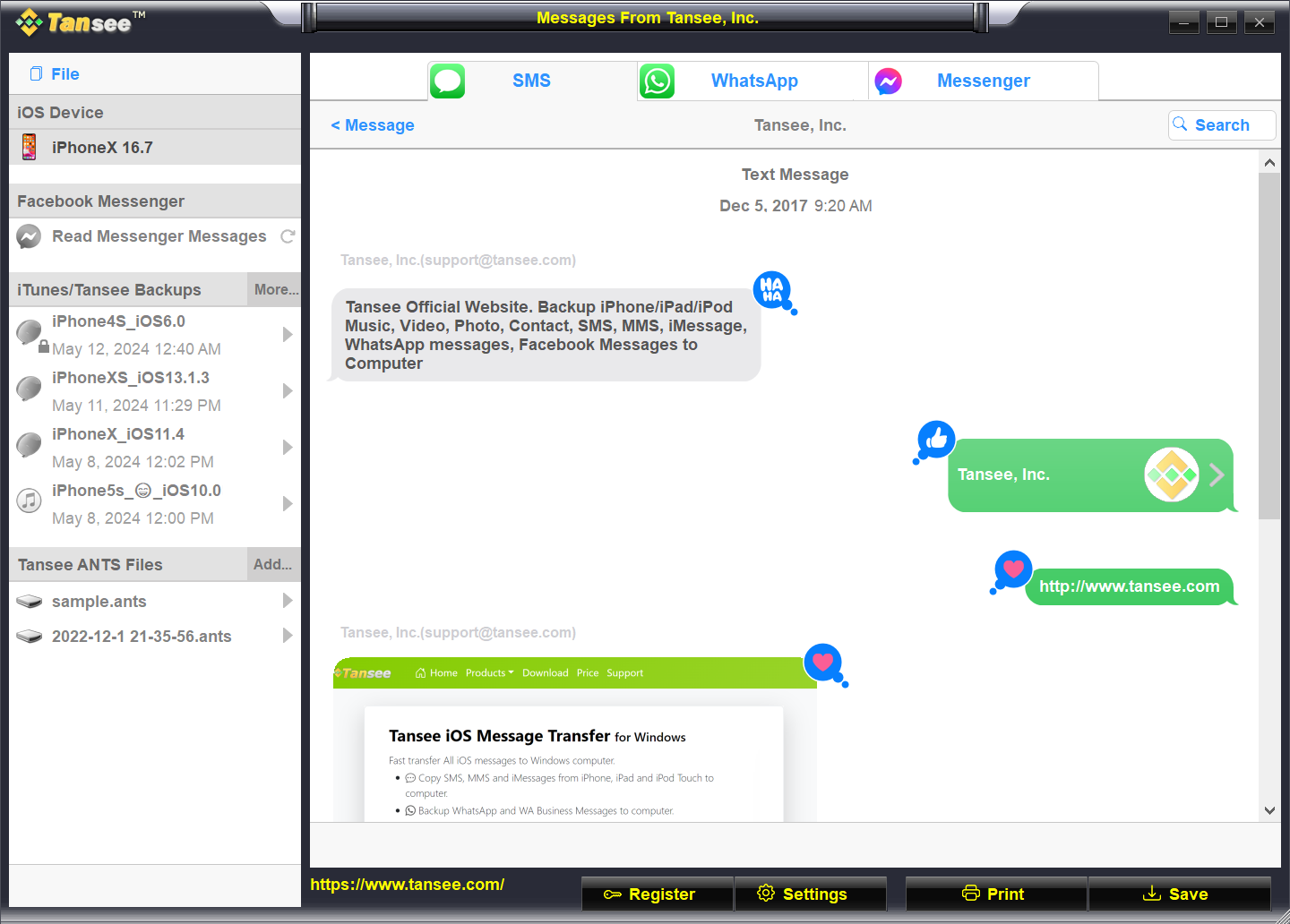
Copy SMS, MMS, iMessages and RCS messages from iPhone, iPad or iPod Touch to your PC.
-
Backup WhatsApp and WhatsApp Business messages from iPhone or iPad to a Windows computer.
-
Save your Facebook Messenger messages as PDF files.
-
Extract WeChat messages from iPhone or iPad to your Windows computer.
-
Copy contacts from an iphone or iPad, including their profile photos, to a Windows computer.
Save all attachments in bulk to your computer in the form of video, audio, voice recordings or image files, and export all contacts or a specific contact as .vcf files.
Originally released in 2007, it was developed shortly after the launch of the iPhone.
- Windows 7 or above
- Windows on Arm

 Get it from Microsoft Store
- Windows 10 or above
- Windows on Arm
-
All Generations of iPhone, iPad or iPod Touch with iOS from iOS 1toiOS 26
Get Your License
US$ 29.95 19.95 / 1 Year
- Single computer license
- Unlimited iPhone, iPad & iPod Touch
- Receive license code immediately
- Manual subscription renewals
- Security HTTPS connection
- Free updates
-






US$ 45 29.95 / 3 Years
- Single computer license
- Unlimited iPhone, iPad & iPod Touch
- Receive license code immediately
- Manual subscription renewals
- Security HTTPS connection
- Free updates
-
Extract and recover
Extract SMS, MMS, iMessage, RCS messages, WhatsApp messages, WhatsApp Business messages and WeChat messages, as well as contacts and their associated photos, from an iPhone, iPad, or iPod touch, as well as from an iTunes backup.
Save your Facebook Messenger messages as PDF files.
Recover deleted messages directly from an iPhone, iPad, or iPod touch, or recover deleted messages by extracting them from an iTunes backup.
Save All messages as PDF, HTML, JPG and TEXT formats. Additionally, save All messages as ANTS format with password protection.
Print out entire conversations or search to print selected messages.
Print preserving the original formatting, such as subject line, message bubbles, timestamps, and attached photos, videos, audio, contacts, location, links...
Support Group Messages.
Search to save or print selected messages.
Convert HEIC and HEIF images in messages to JPG format without sacrificing quality.
Support Dual Sim Card.
Reliable Partner
Tansee iPhone Message Transfer Virus Free Report
Scaned by BitDefender, Symantec, ESET,Google Safebrowsing, Kaspersky and other 90+ anti-virus engine.
Age Ratings


Tansee: Family-Friendly Software for All Ages.
Why Choose Tansee?
100% Secure
Ordering online is 100% secure! Virus-free download!
Privacy protection: Tansee is not connected to any cloud storage; all of your downloaded messages, music, photos, and other files are stored exclusively on your computer, ensuring their privacy. Only you have access to the data.
30-Day Money Back Guarantee
All products come with a 30-day money back guarantee.
Free 24/7 Customer Support
We provide effective email support with a quick response time every day.
20+ Years
Tansee has been a trusted brand for over 20 years, providing users with experience and continuous development.
It has been a lifesaver for me.
The best software for transferring iPhone messages to Windows computer. It's easy to use and has a user-friendly interface. It took me half an hour to transfer my entire iPhone messages to my PC. I would recommend it to anyone who needs to transfer their iPhone messages to their PC.